
MindGenius for education · For students
When the whole term feels like too much, start with a map
The hardest part is working out where to begin. Lay every lecture, essay and deadline out where you can see it, and an overwhelming term turns into a plan you can actually work through, one branch at a time.
Used by students at schools and universities in over 100 countries
From first lecture to final deadline
The four things students reach for it to do
Not a feature list. The actual arc of a term, and where a map earns its place in it.
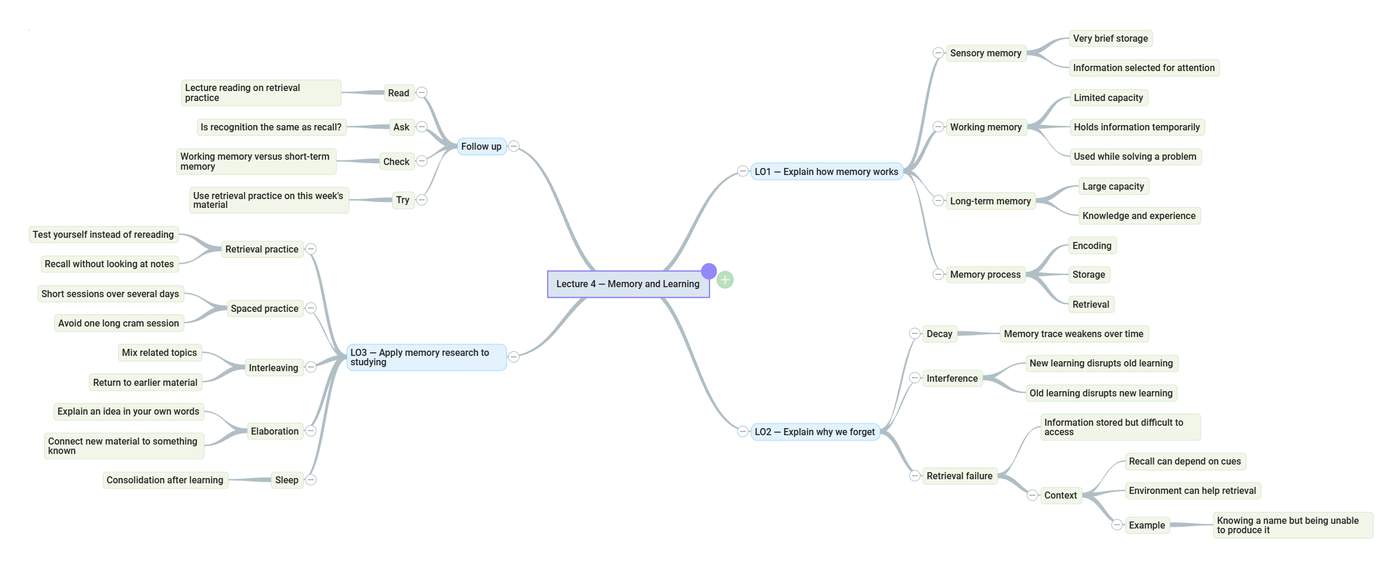
Take notes you can actually use later
Map a lecture as it happens, with the key points branching off the topic instead of buried in a wall of text. Set the lecture's learning outcomes as your starting branches and place what the lecturer says against them as you go.
- Structure beats a page of linear notes for recall
- Outcomes as branches, detail hung underneath
- Find any point again in seconds, not by re-reading
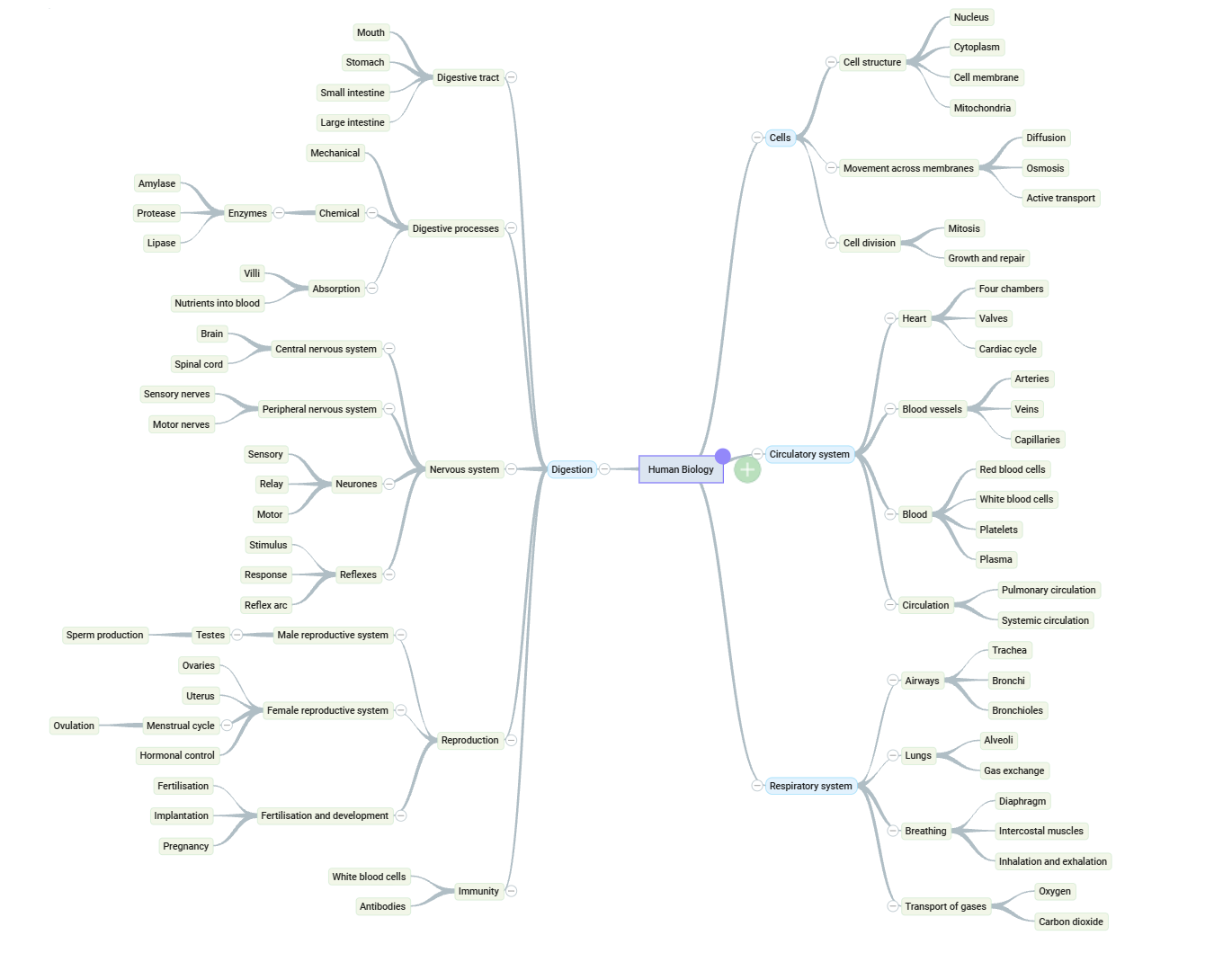
Revise from something you remember
A visual map is easier to hold in your head than pages of notes, so what you revise is more likely to stay there. Map a subject out, see the true size of it, and turn revision from a vague dread into a set of branches to work through.
- See the whole subject at a glance
- Spot the gaps you have not covered yet
- Work branch by branch instead of all at once
Find the argument before you write it
Get everything out of your head and onto the map first: reading, quotes, your own half-ideas. Then move it around until the argument appears, and write from a structure instead of a blank page. The bigger the piece, the more this matters.
- Capture loosely, structure afterwards
- Turn scattered reading into a line of argument
- Export the structure straight into your document
Using AI? MindGenius can turn your assignment question and its constraints into a framework for the work, so the thinking, and the writing, stay yours. AI that helps with the thinking, not the writing →
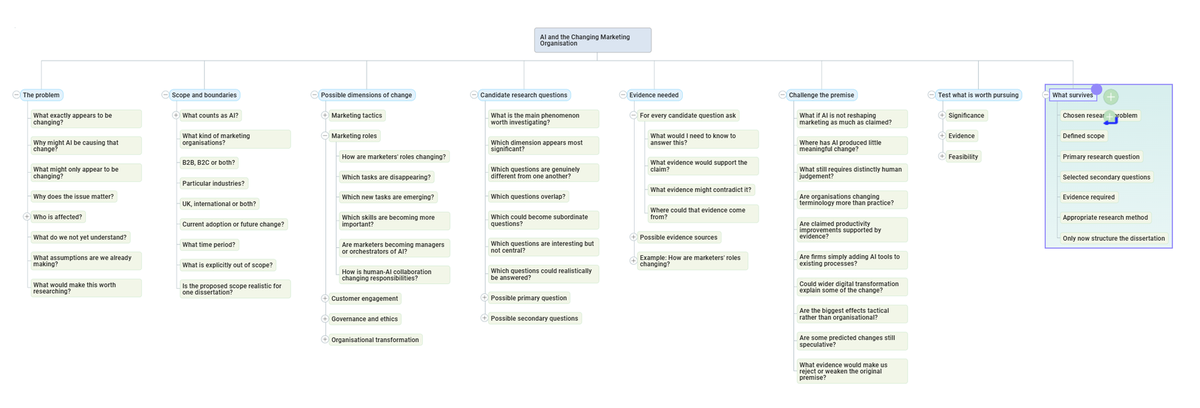
Discover the dissertation before you design it
Twelve screenshots of one map across a single session, working out which of several possible questions deserves to become the research question. All five stages, from the first messy branch to the criteria the work will be judged against.
See the worked example →See the whole term in one place
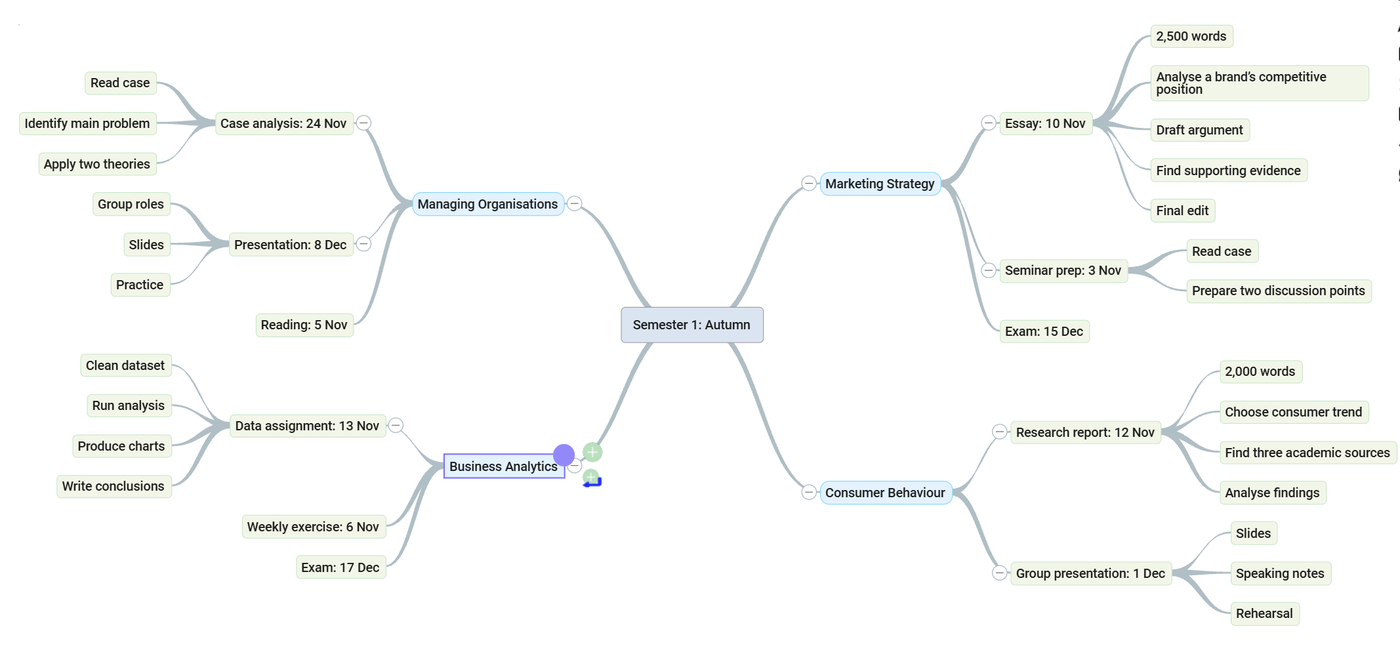
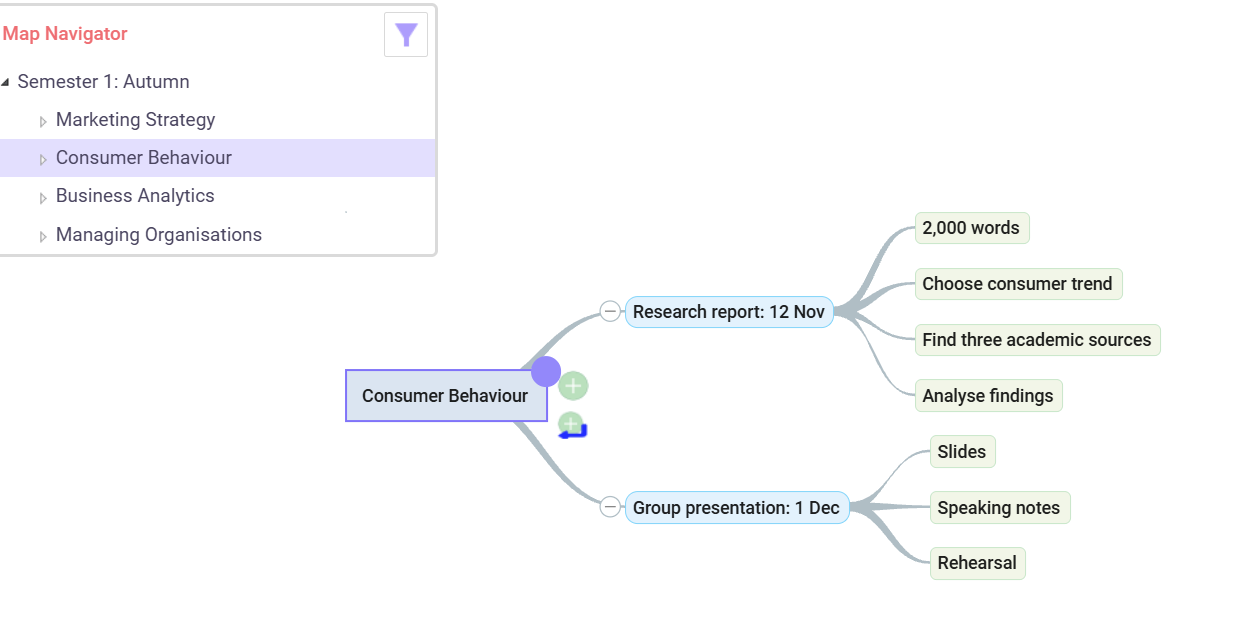
Competing deadlines across every module are what tip a term into chaos. Hold them all on one map, with what is due soonest in front of you and the detail a branch away. Use Map Navigator to zoom into one piece of work and hide the rest.
- Every module and deadline in a single view
- Map Navigator to focus on one thing at a time
- Pick it up on any machine, nothing to install
From a student who used it
"What you initially think is a big task really isn't once it's been condensed and planned using MindGenius."
Gemma passed her first year with distinction, holding a 73% average across a chemistry degree that also spanned maths, biology and physics. Like many students she struggled with where to begin, until she mapped every subject out, saw the true size of the task, and planned her revision from there.
"From lecture notes, exam study, research, my dissertation and group work, MindGenius handled it all."
"Once you get into MindGenius, you realise just how much time and stress it saves you."
Eligible for Disabled Students' Allowance?
MindGenius is supported under DSA
Approved by the British Dyslexia Association and useful to every student, not only those who qualify for funding. Our recommendation guide sets out how it fits a DSA application.
Turn the term into a plan
Try MindGenius free for 14 days. If your university has a Campus-Wide licence, you may already be able to get it for nothing.
Windows desktop is MindGenius 20. On a Mac? MindGenius Online, nothing to install →