
MindGenius for education · For educators & programme leaders
Build the structure of what you teach before you write a word of it
Lessons, courses and programmes do not arrive fully formed. MindGenius is where you lay out the shape of a module, get past the blank page on a paper, and turn a messy group discussion into a plan you can teach from and share.
What educators actually open it for
Four jobs, done properly
Not a feature list. The handful of things a lecturer or course leader reaches for MindGenius to do.
Lay out the structure first
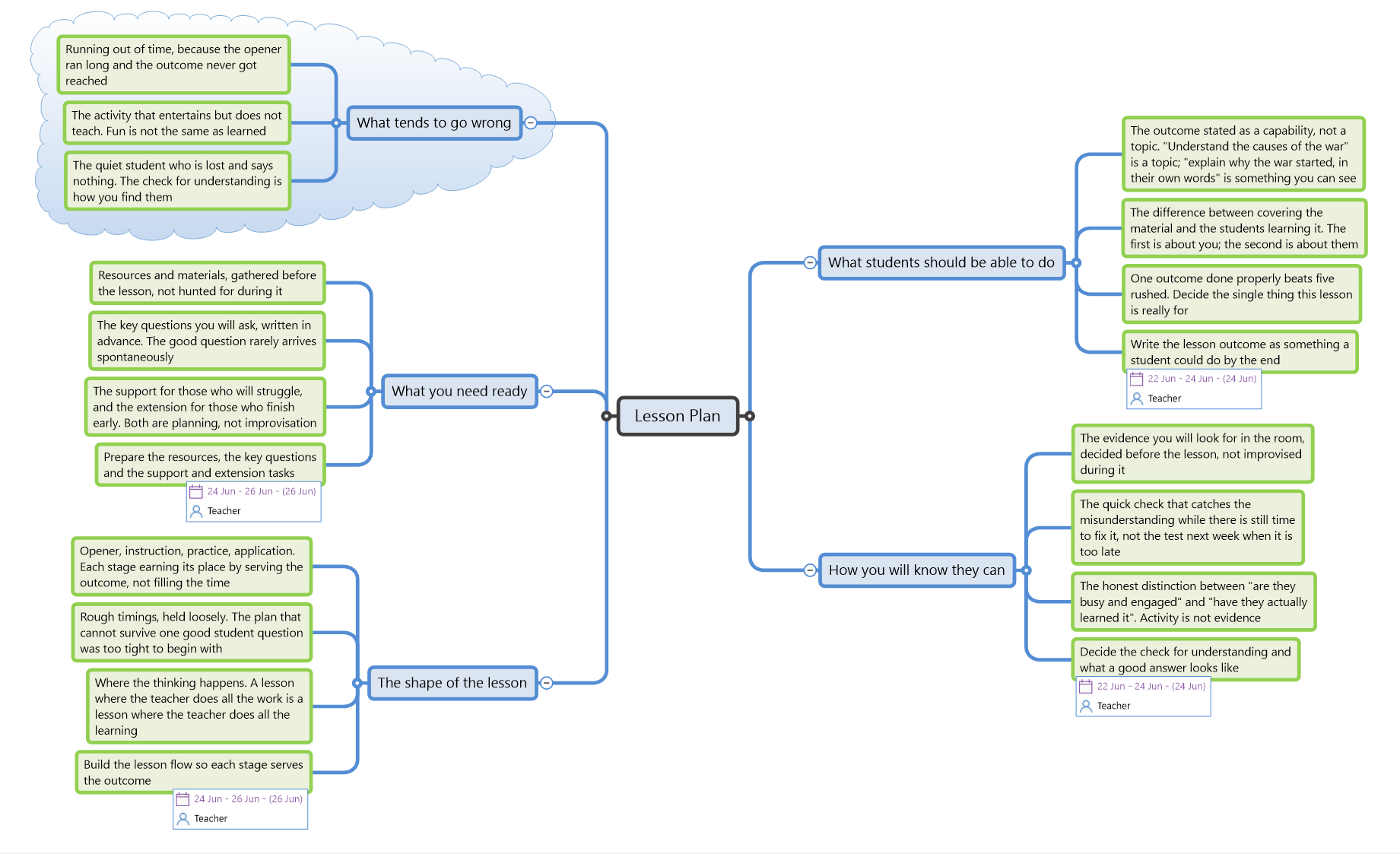
Start with the learning outcomes at the centre and build the module outward, branch by branch. See the whole shape of a course before you commit it to a document, and rearrange it freely as it develops.
- Outcomes at the centre, topics as branches
- Reorder and reprioritise as the plan firms up
- Export the finished structure to Word or PowerPoint
Start a paper without staring at nothing
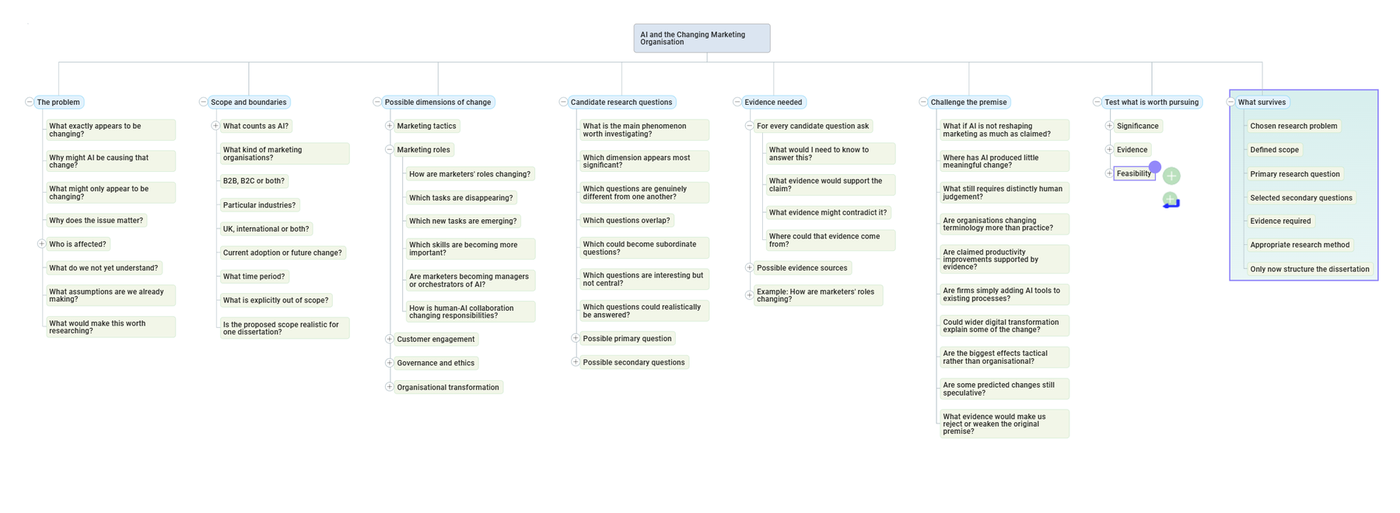
Whether it is your own research writing or helping a student who cannot begin, a map gives you somewhere to put the first thought. Capture everything loosely, then find the argument inside it.
- Capture ideas in any order, sort them after
- Turn scattered notes into a line of argument
- Particularly effective with students who are stuck
Think out loud, together, on one map
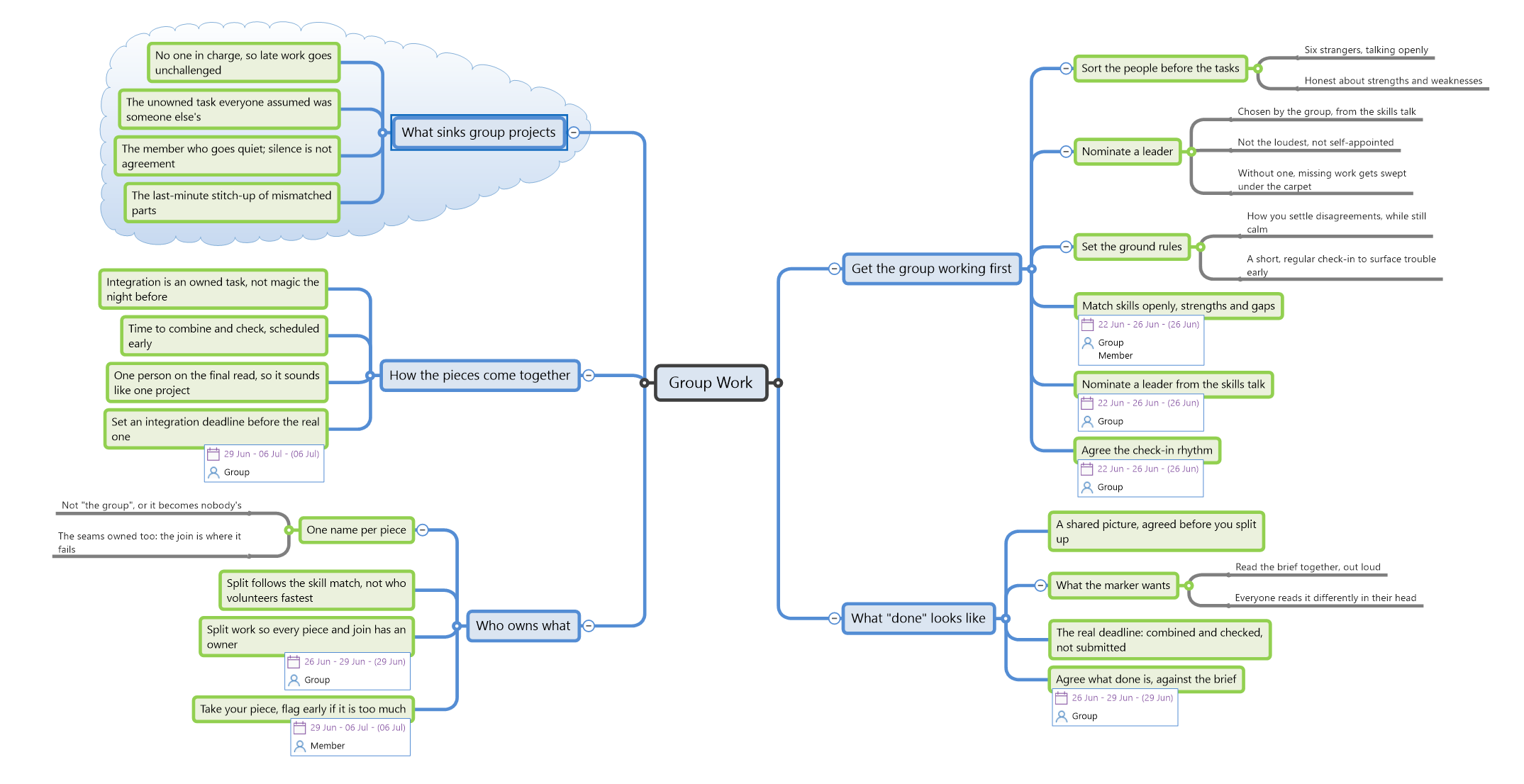
In a seminar or a planning meeting, capture ideas live as people speak, then prioritise and arrange them as a group. Everyone sees the same picture forming, and nothing gets lost.
- Capture contributions live as they come
- Group, prioritise and assign next steps
- Share the result so the group can act on it
Hold the term together in one view
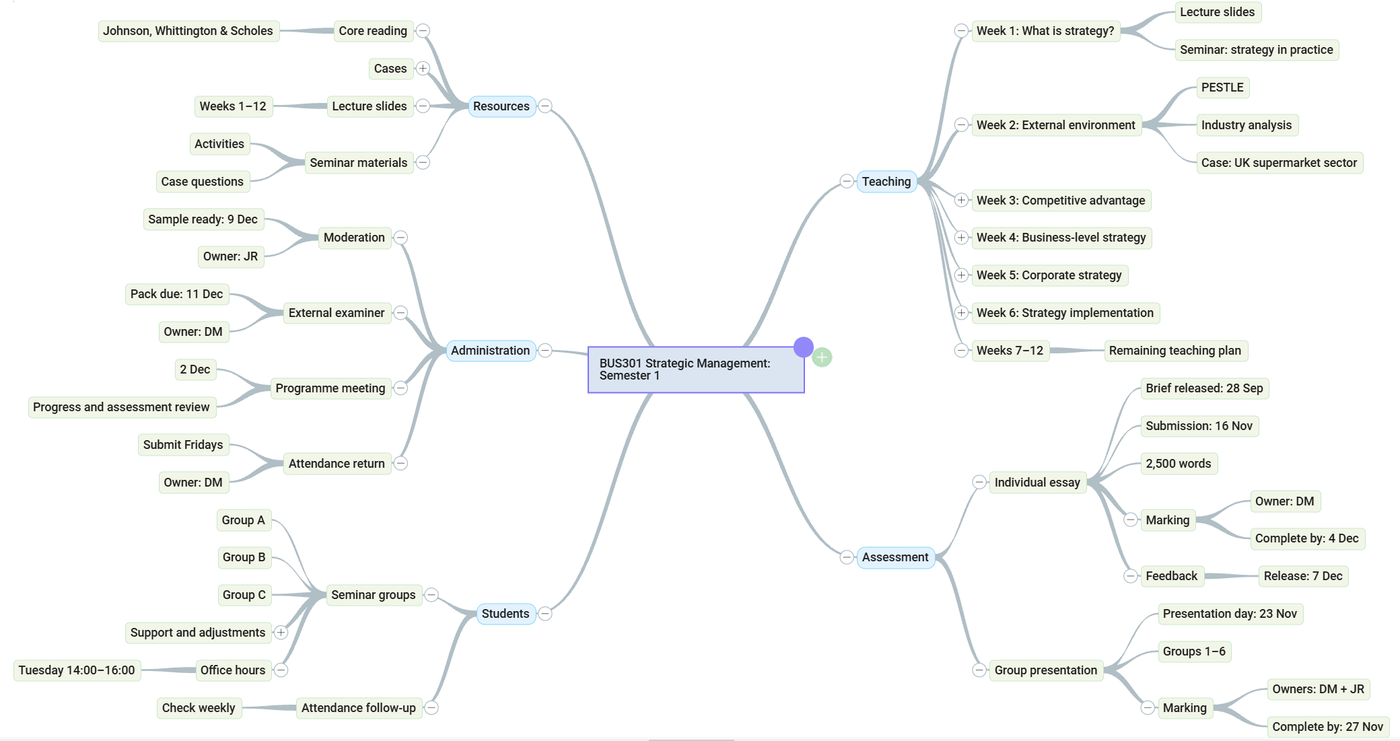
Course materials, assignments and admin tasks have a way of scattering. Keep the moving parts of your teaching in one place, with what matters at the centre and the detail a branch away when you need it.
- One place for materials, tasks and deadlines
- Focus on one branch, hide the rest
- Pick it up on any machine, nothing to install
A dissertation, discovered before it is designed
A worked example students can be pointed at: one map across a single session, showing how a research question is arrived at rather than assumed. Useful for supervision conversations that stall on what the question actually is.
See the worked example →From an educator who uses it
"It can really transform a student's ability to structure their understanding of a range of topics, and it works particularly well with students struggling to get started."
A user and advocate since first discovering mind mapping in the early '90s, Peter uses MindGenius across undergraduate and postgraduate cohorts: to plan new educational programmes, and to work through messy problems in group sessions. Ideas are captured live, then rearranged, prioritised and exported.
Advising a student?
DSA Recommendation Guide
If you support students eligible for Disabled Students' Allowance, our recommendation guide sets out how MindGenius fits a DSA application. See also our neurodiversity guidance for the wider case.
Plan your next course on a map
Try MindGenius free for 14 days. Bringing it to a whole department or campus? There is a Campus-Wide licence for that.
Free 14 day trial. Works offline. No card required.
Windows desktop is MindGenius 20. Working on a Mac? MindGenius Online, nothing to install →